
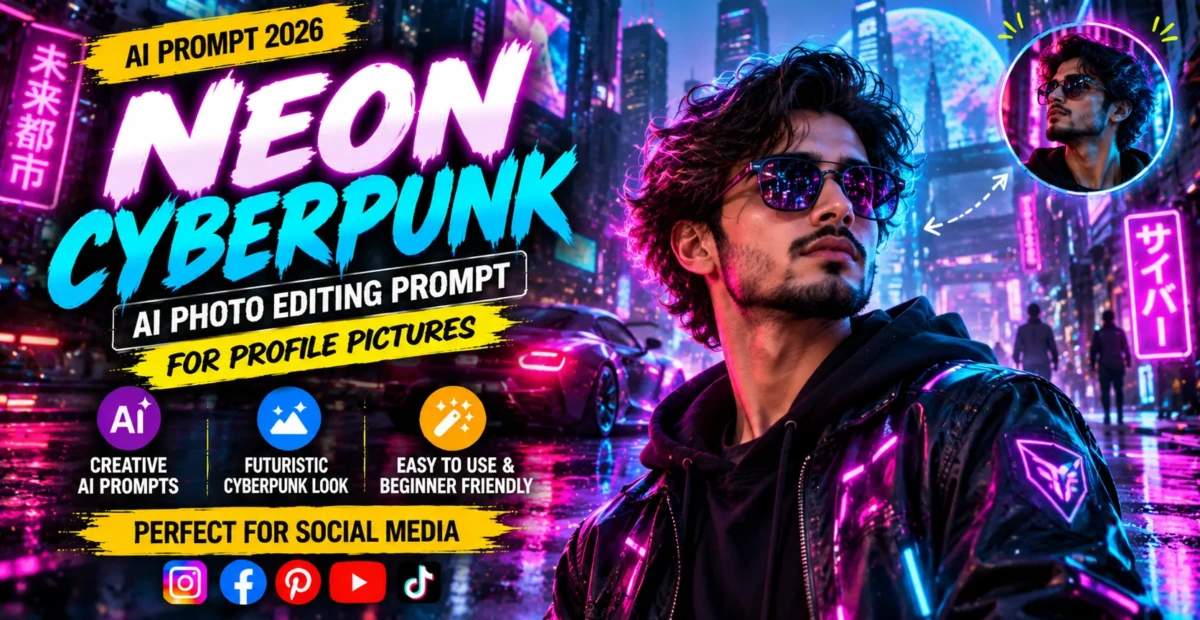
Neon Cyberpunk AI Photo Editing Prompt for Profile Pictures
 By Sudip Jana
0 Comments
By Sudip Jana
0 Comments
Create a Futuristic Cyberpunk Portrait
Cyberpunk portraits combine neon lights, futuristic architecture, reflections, and dramatic night colors. They are especially effective for profile images and creative social media posts. AI editing can create the environment while preserving the person’s face and recognizable appearance.
Copy and Paste Prompt
Prompt: Transform the uploaded portrait into a realistic futuristic cyberpunk city photograph. Preserve the person’s face, identity, hairstyle, body proportions, and natural facial texture. Place the subject on a futuristic neon-lit street at night with glowing signs, wet pavement, subtle fog, modern architecture, colorful reflections, and distant city lights. Add cinematic rim lighting and realistic environmental shadows while keeping the subject sharp and recognizable. Use detailed textures, believable perspective, natural skin, controlled neon colors, and professional photography quality. Avoid cartoon styling or excessive visual effects.
Build a Believable City
Ask for realistic buildings, road surfaces, reflections, and atmospheric depth. The environment should feel like a photographed location rather than a collection of random futuristic objects.
Control the Neon Lighting
Neon can easily overpower the face. Request subtle colored rim light and balanced exposure. Keep the main facial features naturally illuminated so the portrait remains useful as a profile image.
Add Rain and Reflections
Wet pavement can create beautiful reflections and depth. Ask for light rain or recent rainfall instead of a heavy storm. This gives the scene a polished cinematic appearance without hiding the subject.
Best for Creative Profiles
The final portrait works for gaming profiles, technology pages, social media covers, and futuristic artwork collections. Use a square crop for avatars or a vertical crop for reels and posts.
For a stronger futuristic effect, ask for subtle holographic reflections or distant digital signage. Keep these elements behind the subject and slightly blurred. This preserves the portrait’s clarity while adding enough futuristic atmosphere to make the image distinctive.