
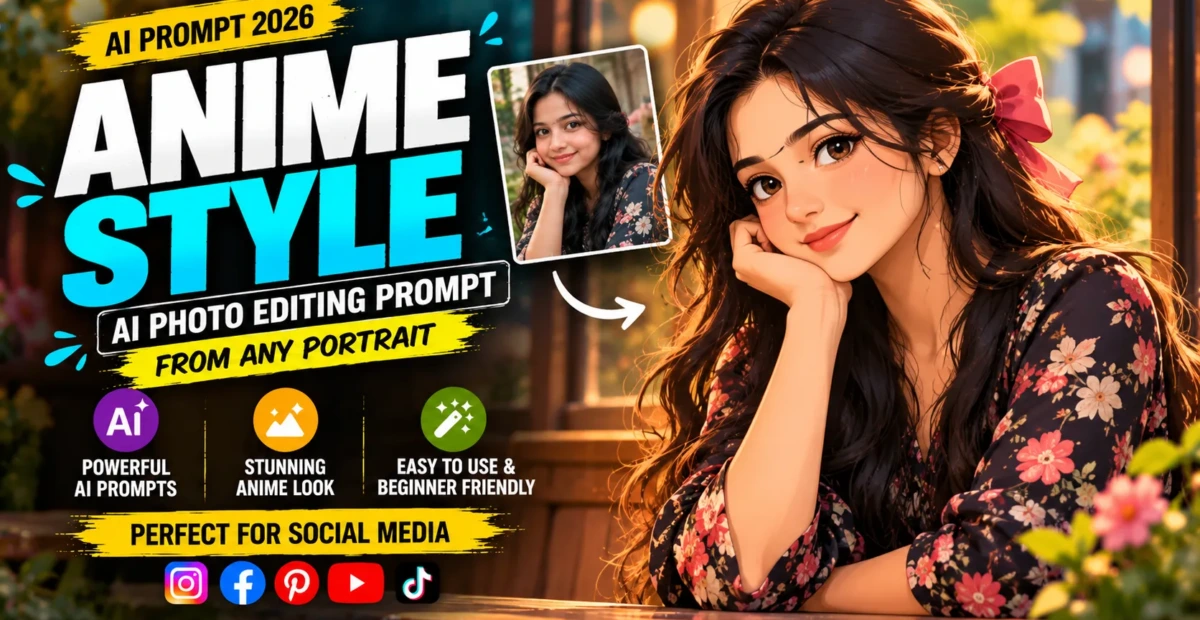
Anime Style AI Photo Editing Prompt From Any Portrait
 By Sudip Jana
0 Comments
By Sudip Jana
0 Comments
Convert a Real Photo Into Anime Art
Anime-inspired photo editing can give a portrait a colorful illustrated appearance while preserving the basic pose and composition of the original image. Different AI tools interpret anime styles differently, so a detailed prompt helps control the result. The following version focuses on polished character art rather than a random cartoon filter.
Copy and Paste Prompt
Prompt: Transform the uploaded portrait into high-quality cinematic anime artwork while preserving the person’s recognizable facial structure, hairstyle, pose, clothing design, and overall composition. Use clean expressive eyes, refined linework, detailed hair strands, soft cel shading, subtle highlights, vibrant but balanced colors, and a beautifully illustrated background. Keep anatomy accurate and proportions natural. Add cinematic lighting and depth while maintaining a polished modern anime aesthetic. Avoid distorted hands, extra fingers, blurry facial details, random accessories, or excessive visual noise.
Choose a Visual Mood
You can add words such as romantic anime, adventure anime, fantasy anime, or slice-of-life atmosphere depending on your idea. Keep the style description focused so the editor does not mix unrelated visual genres.
Improve Facial Consistency
If the face changes too much, repeat that the original identity and facial structure must remain recognizable. You can also request natural expressions and consistent eye direction.
Create a Detailed Background
Anime backgrounds work well with city streets, school settings, forests, beaches, or sunset landscapes. Use atmospheric perspective and softer background detail to keep attention on the character.
Best Uses for Anime Edits
The finished artwork can be used for profile pictures, wallpapers, social posts, story covers, or creative thumbnails. Square crops are useful for avatars, while vertical images work well for mobile feeds.
If you want a softer result, request pastel colors and gentle sunlight. For a more dramatic version, use stronger shadows and a sunset background. In both cases, keep the original pose and facial structure consistent for better identity preservation.