
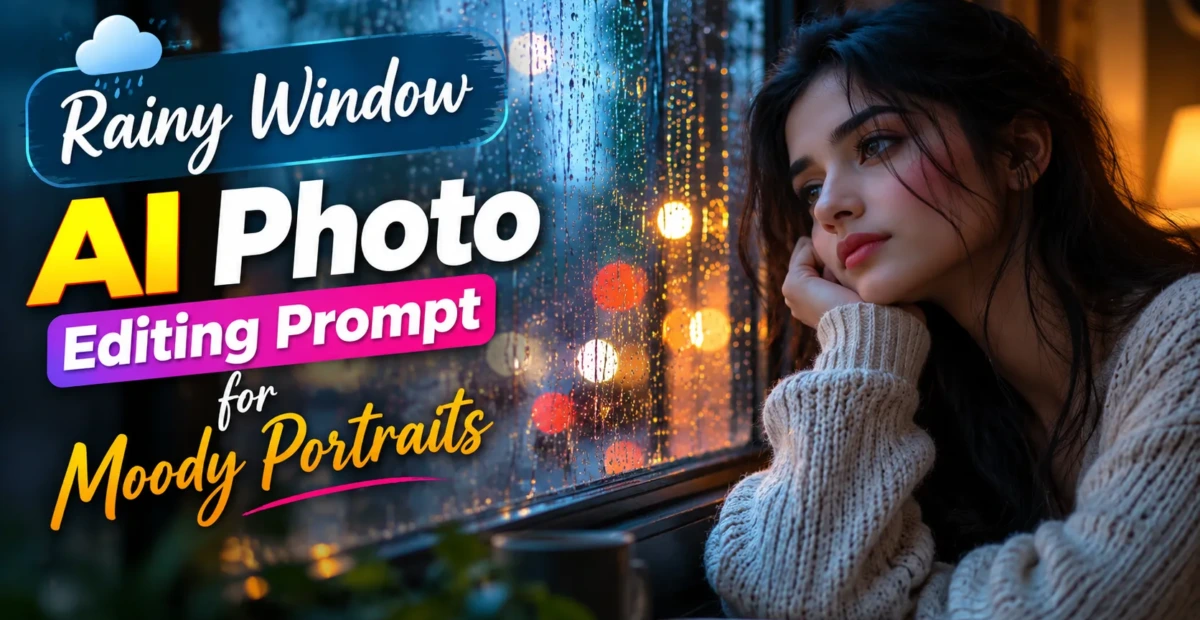
Rainy Window AI Photo Editing Prompt for Moody Portraits
 By Sudip Jana
0 Comments
By Sudip Jana
0 Comments
Create a Moody Rainy Window Portrait
A portrait photographed beside a rainy window can feel emotional, cinematic, and intimate. AI editing makes it possible to create this atmosphere even when the original photograph was taken indoors. The key is to use soft light, realistic droplets, and a restrained color palette.
Copy and Paste Prompt
Prompt: Transform the uploaded portrait into a realistic cinematic photo taken beside a large rainy window. Preserve the person’s face, identity, hairstyle, clothing, body proportions, and natural skin texture. Add realistic rain droplets and soft water trails on the glass, diffused cloudy daylight entering from the window, subtle reflections, a quiet modern interior, and shallow depth of field. Keep the subject naturally illuminated and sharply detailed while the rainy window and background create atmospheric depth. Use realistic colors, natural shadows, soft contrast, and professional editorial photography quality.
Use Soft Window Light
Window light should gently illuminate the face instead of creating harsh highlights. Ask for natural skin tones and subtle shadow transitions for a more believable portrait.
Make the Rain Detailed
Small droplets, irregular water trails, and slight reflections can make the glass feel real. Avoid covering the entire window with identical streaks because repetition often looks artificial.
Choose a Minimal Interior
A bedroom, cafe, studio, or modern apartment can provide context. Keep furniture understated and slightly blurred so the person remains the focus.
Perfect for Aesthetic Content
This style works for Instagram portraits, mood boards, quote posts, music-inspired visuals, and profile pictures. Add text afterward if you want a clean quote or title over the image.
A subtle reflection of the subject on the window can add depth, but it should remain faint and physically aligned. If the editor creates an incorrect reflection, remove that instruction and focus on realistic rain, window light, and background blur.