
Happy Ganesh Chaturthi AI Photo Editing Prompt
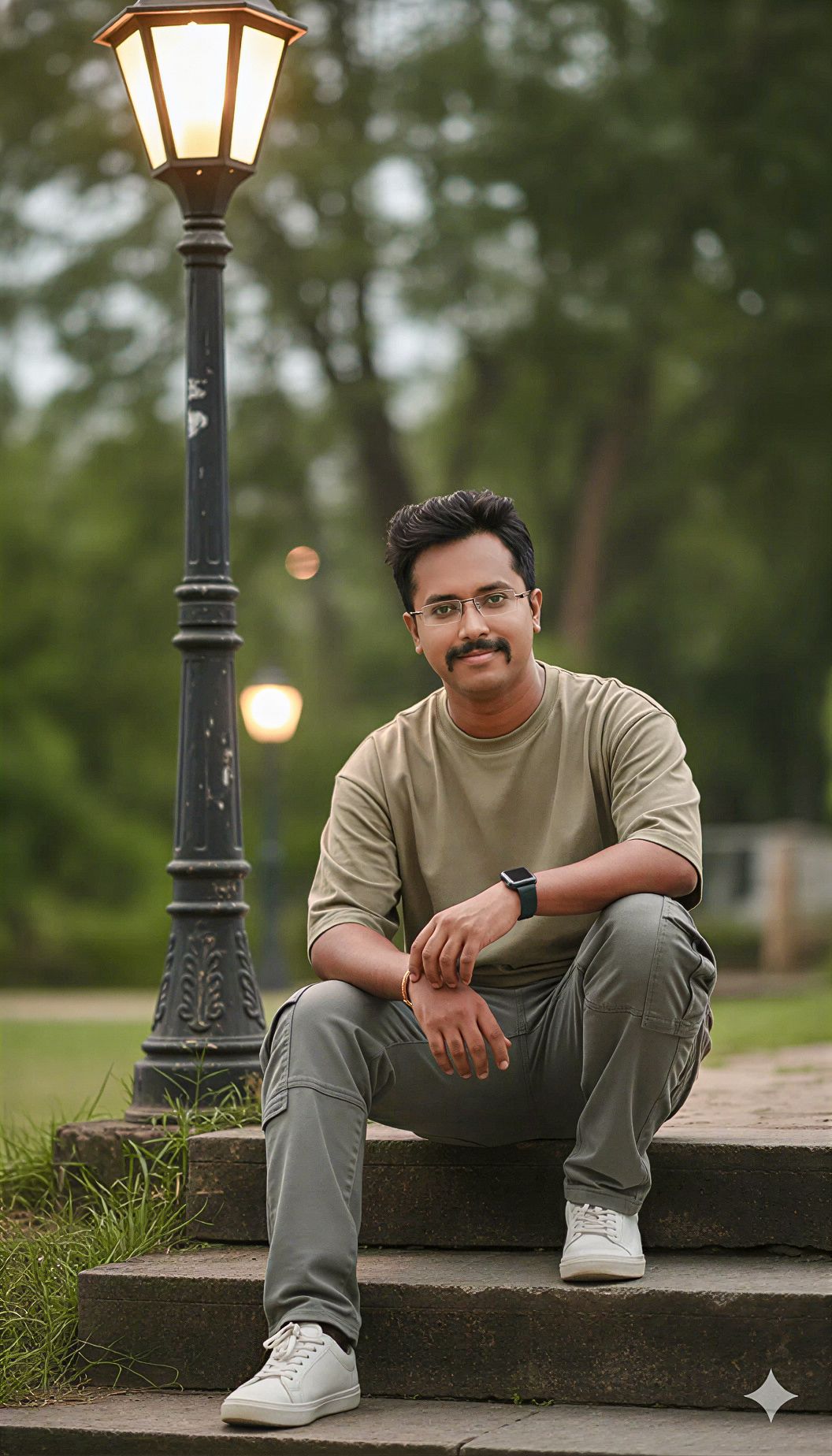 By Sudip Jana
0 Comments
By Sudip Jana
0 Comments
Create a Festive Ganesh Chaturthi Portrait
Festival photos can become more colorful and memorable with a carefully written AI editing prompt. A Ganesh Chaturthi edit can add warm lights, flowers, decorative elements, and a joyful celebration atmosphere while keeping the original person natural. This prompt is suitable for family portraits, individual photos, and social media festival posts.
Copy and Paste Prompt
Prompt: Transform the uploaded photo into a beautiful realistic Ganesh Chaturthi celebration scene. Preserve the person’s face, identity, hairstyle, pose, clothing, body proportions, and natural skin texture. Add a beautifully decorated Lord Ganesha idol in the background, marigold flowers, traditional festive decorations, warm golden lights, subtle diyas, colorful floral details, and a joyful Indian celebration atmosphere. Use realistic lighting, natural shadows, detailed textures, elegant composition, and cinematic photography quality. Keep the result respectful, photorealistic, vibrant, and suitable for a festival greeting post.
Keep the Festival Details Balanced
The decorations should support the portrait rather than cover the subject. Ask for a softly blurred background when the original photo is a close-up. This creates depth and keeps attention on the person.
Use Warm Festive Lighting
Golden lights and soft highlights create a welcoming mood. Avoid extremely bright reds or artificial glow because they can reduce facial detail. Natural skin tones should remain the priority throughout the edit.
Add Greeting Text Later
AI editors may generate incorrect lettering, so it is usually better to create the image first and add the greeting with your normal design software. Leave clean negative space at the top or side for the message.
Perfect for Festival Posts
This concept works for Instagram, Facebook, WhatsApp status images, greeting cards, and family photo collections. A vertical 4:5 composition is useful for social media feeds, while a wider crop works well for banners.
For a stronger greeting image, keep the subject slightly away from the edges and use a clean area for your festival message. You can also request subtle flower petals or warm bokeh in the distance to make the celebration feel richer without distracting from the portrait.