
Foggy Forest AI Photo Editing Prompt 2026
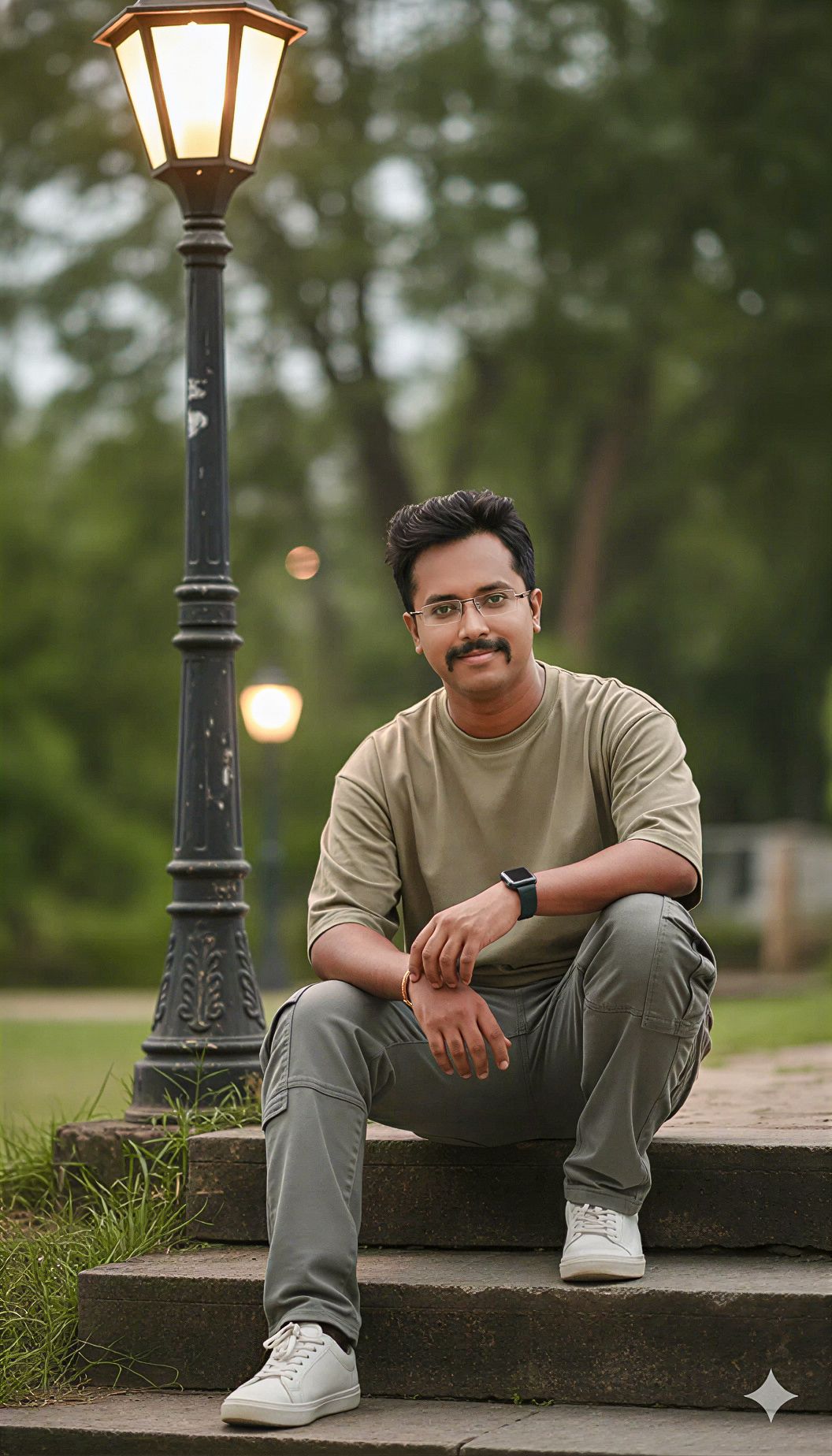 By Sudip Jana
0 Comments
By Sudip Jana
0 Comments
Turn Any Photo Into a Misty Forest Scene
Foggy forest edits are popular because they instantly add atmosphere, depth, and a cinematic mood to ordinary photographs. You can use this prompt with an AI image editor to transform a portrait, travel photo, or outdoor snapshot without losing the main subject. The goal is a believable forest environment with soft mist, natural greens, and realistic light.
Copy and Paste Prompt
Prompt: Transform the uploaded photo into a cinematic misty forest scene. Keep the person’s face, identity, pose, clothing, and body proportions unchanged. Surround the subject with tall green pine trees, layered forest depth, soft rolling fog, subtle moisture in the air, realistic foliage, natural shadows, and diffused morning light. Create a premium photography look with realistic skin texture, balanced contrast, atmospheric depth, and detailed background. Keep the result photorealistic, natural, and high resolution.
Keep the Subject Natural
For the most convincing result, tell the editor to preserve facial features and body proportions. Avoid asking for dramatic changes to clothing or pose unless those changes are part of your creative idea. This keeps the final image closer to the original photograph.
Add a Cinematic Color Mood
A cool green and gray palette works well for foggy scenes. Ask for gentle highlights, deep but readable shadows, and soft contrast instead of an exaggerated HDR effect. A little atmospheric haze between trees can create convincing depth.
Best Uses for Social Media
This style works especially well for Instagram portraits, travel posts, profile banners, and creative photo collections. Try vertical framing for mobile platforms and leave enough negative space around the subject when you plan to add text later.
Final Editing Tip
If the first generation looks too artificial, ask the tool to reduce the fog density, preserve natural skin tones, and make the foliage less repetitive. Small corrections usually produce a more realistic cinematic result than changing the whole prompt.