
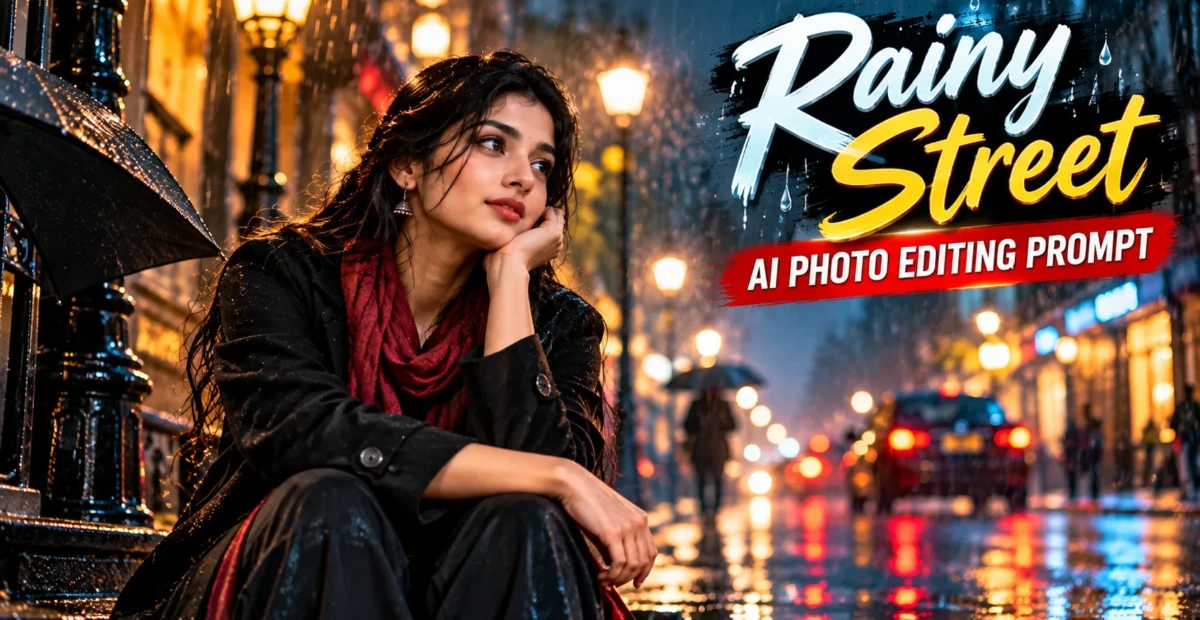
Rainy Street AI Photo Editing Prompt for Cinematic Portraits
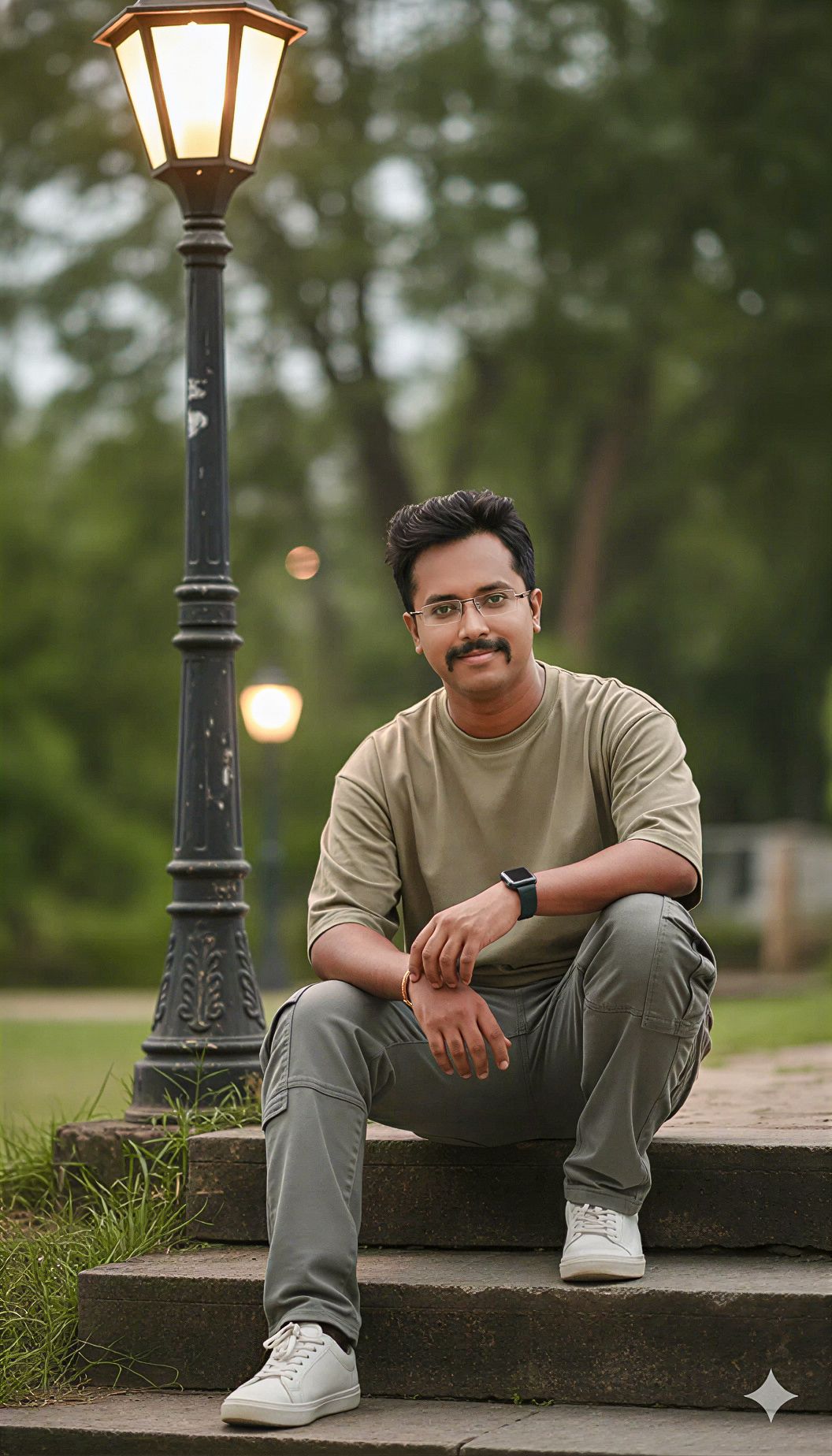 By Sudip Jana
0 Comments
By Sudip Jana
0 Comments
Turn a Normal Portrait Into a Rainy Night Scene
Rainy street photography has a distinctive cinematic mood created by reflections, soft lights, wet surfaces, and atmospheric depth. You can recreate that feeling from an ordinary portrait with an AI photo editor. The key is to change the environment while preserving the original person’s identity and realistic proportions.
Copy and Paste Prompt
Prompt: Transform the uploaded portrait into a realistic cinematic rainy-night street photograph. Preserve the person’s face, identity, hairstyle, clothing, body proportions, and natural skin texture. Place the subject on a wet urban street with realistic rain droplets, soft reflections on the road, glowing shop lights, subtle mist, distant traffic bokeh, and moody evening illumination. Add physically accurate shadows, natural highlights, realistic wet surfaces, and premium professional photography detail. Keep the subject sharp and the background slightly blurred. Avoid artificial plastic skin or excessive effects.
Make the Rain Look Real
Rain should appear subtle rather than covering the entire image with white streaks. Ask for fine droplets, realistic reflections, and wet fabric details. If the editor adds too much rain, request a lighter drizzle and natural atmospheric haze.
Choose a Cinematic Color Style
Cool blue-gray shadows with warm street lights can create a modern film look. You can also request neutral colors if you want a more realistic street photograph. Keep contrast moderate so facial details remain visible.
Add Reflections Carefully
Wet roads are useful because they naturally reflect light sources. Ask for physically consistent reflections below signs, headlights, and lamps. This small detail can make the scene feel much more believable.
Best for Reels and Profile Images
A vertical crop works well for Instagram reels covers and profile graphics. Keep the face away from the extreme top or bottom edges so the composition remains useful after platform cropping.
If the editor makes the street too dark, ask for a brighter face and slightly softer background contrast. You can also specify realistic reflections beneath the subject and vehicles so the wet road connects naturally with the surrounding environment.